Getting started
Sockseek can run for a single download on your computer or stay connected as a daemon. Both can download albums, tracks, and playlists.
Soulseek Client
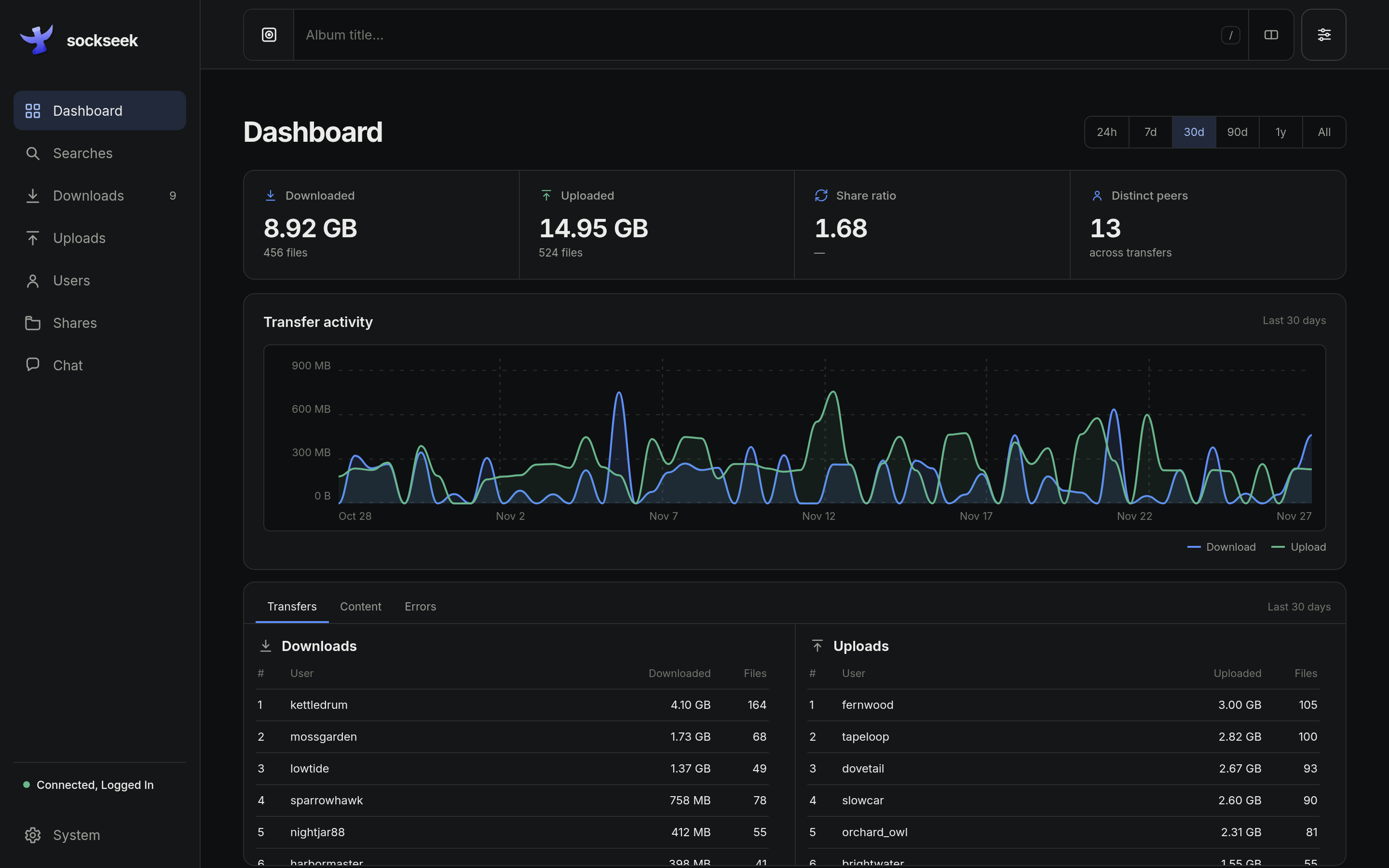
The daemon is a full Soulseek client and includes a WebUI. You can search in the browser, queue downloads, share a library, and receive messages.
Choose your install option:
Once signed in, try your first WebUI search or download.
You can also submit jobs from the remote CLI.
Desktop UI
If you want a desktop Soulseek client, or a graphical interface for bulk downloading, you can have one today. Run the daemon on your own computer and use the WebUI in your browser:
- Install the release archive.
- Run
sockseek daemon --no-authin a terminal and leave it open. - Open http://127.0.0.1:5030.
--no-auth skips the WebUI sign-in. That suits a desktop because the daemon only accepts connections from your own computer by default. If you set server-ip to make it reachable from other devices, set a password and drop --no-auth.
The daemon runs for as long as the terminal stays open. Everything the download tool does, including playlist, CSV and album downloads, is available from New job in the WebUI.
Sockseek will soon be packaged as a proper desktop app, so this will not need a terminal.
Local CLI (one-shot downloading)
Use the local CLI to download from a terminal or script. It connects to Soulseek, saves the files on your computer, and exits when the job finishes.
Install from a release archive and set your Soulseek credentials. Then continue to one-shot downloads for basic usage and examples.